Human Escalations
Escalation Analytics
Monitor why and when your agent hands off to humans.
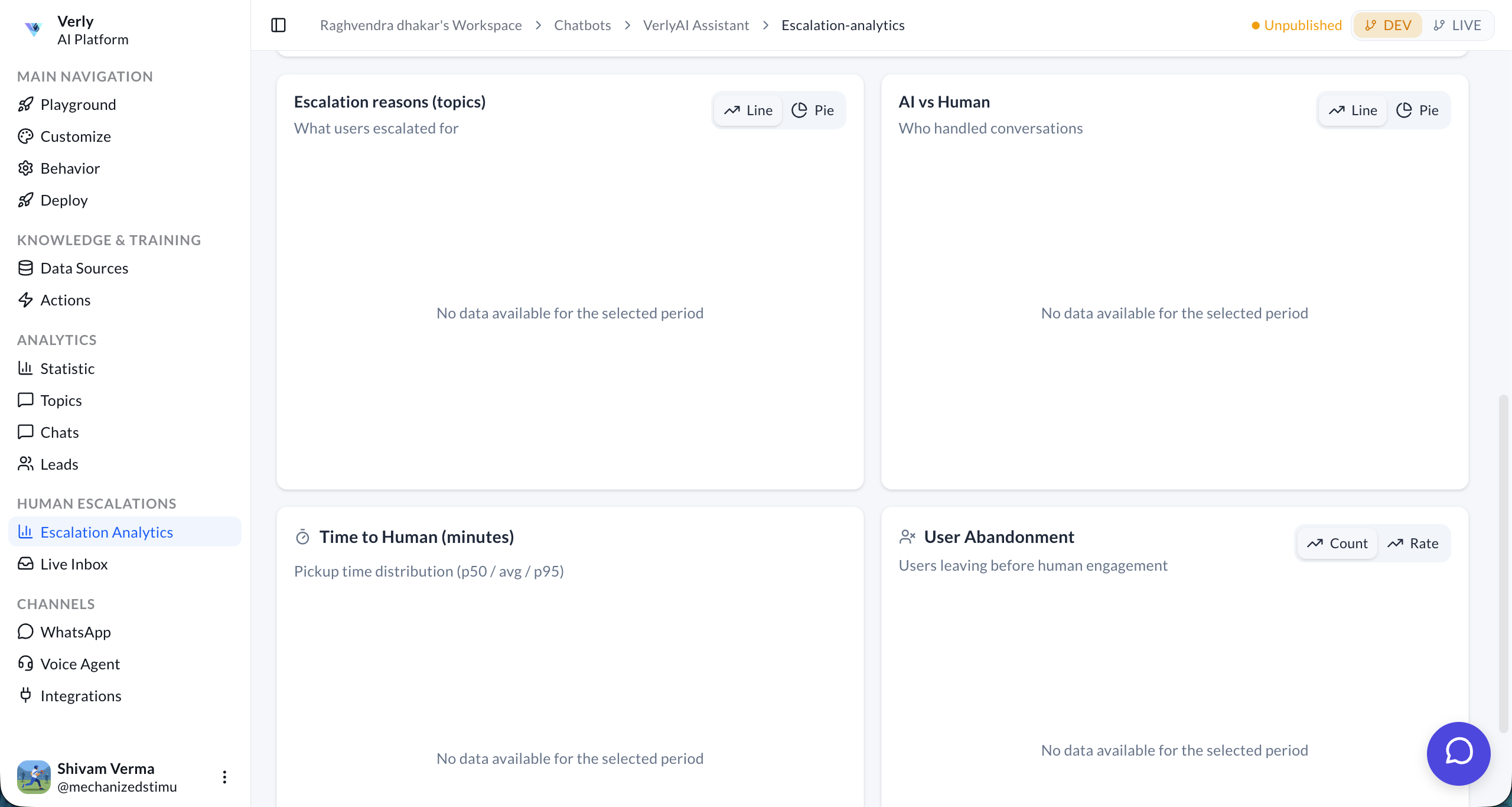
Track human escalation volume, reasons, pickup time, and user abandonment.
Key Metrics
The top of the dashboard provides a quick snapshot of escalation performance for the selected period.
- Total Escalations: The total number of conversations transferred to a human agent.
- Escalation Rate: The percentage of interactions that required human intervention.
- Avg. Time to Human: The average time a user waits before an agent picks up the chat.
- User Abandonment: The percentage of users who left the queue before connecting with an agent.
- Volume: A line chart visualizing the trend of total conversations vs. escalations over time.
Detailed Analysis
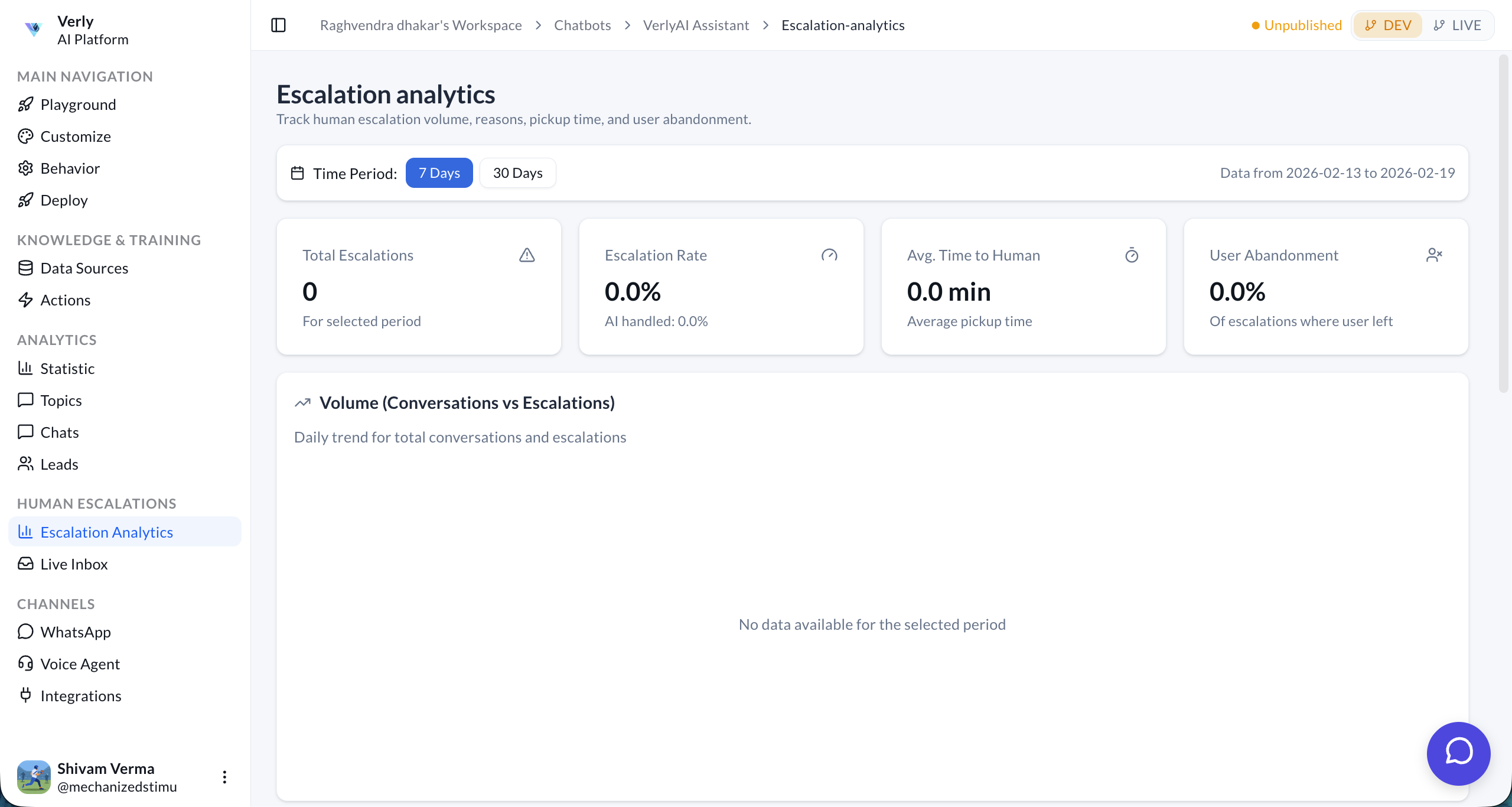
Dive deeper into why escalations happen and how they are handled.
Escalation Reasons & Handling
- Escalation Reasons (Topics): Identify the specific topics or intents that lead to handoffs (e.g., "Billing", "Technical Support").
- AI vs Human: Compare the volume of conversations handled fully by AI vs. those requiring human involvement.
Performance & Drop-offs
- Time to Human: Analyze the distribution of pickup times (p50, average, p95) to ensure service level agreements (SLAs) are met.
- User Abandonment: Track when users drop off during the wait time to optimize queue management.