AI Chatbot Management
Behaviour
Configure intelligent logic, escalation rules, and model settings.
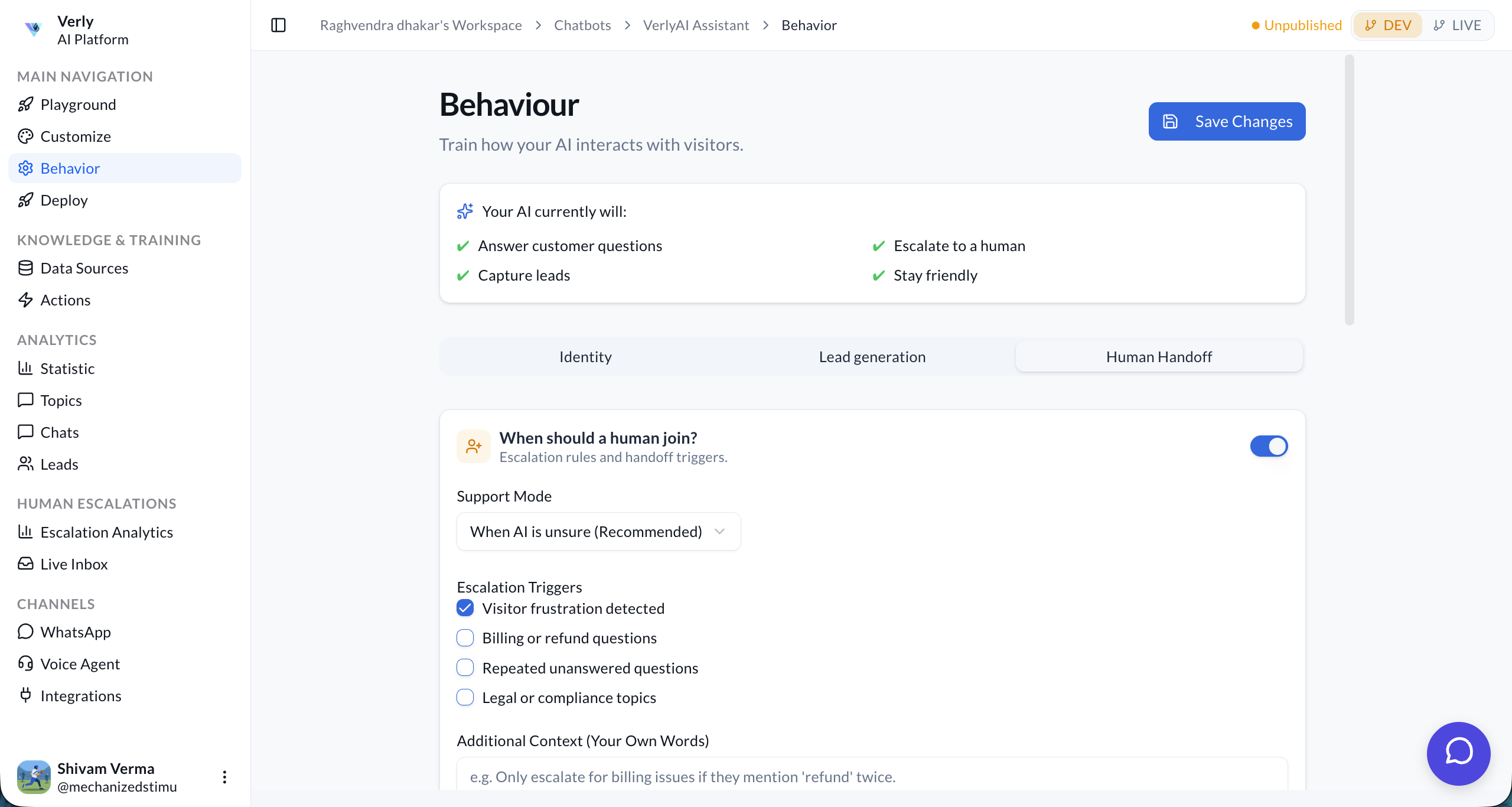
Train how your AI interacts with visitors. Define its identity, tone, and core instructions across three key areas:
- Identity (Core Persona)
- Lead Generation (Data Capture)
- Human Handoff (Escalation Rules)
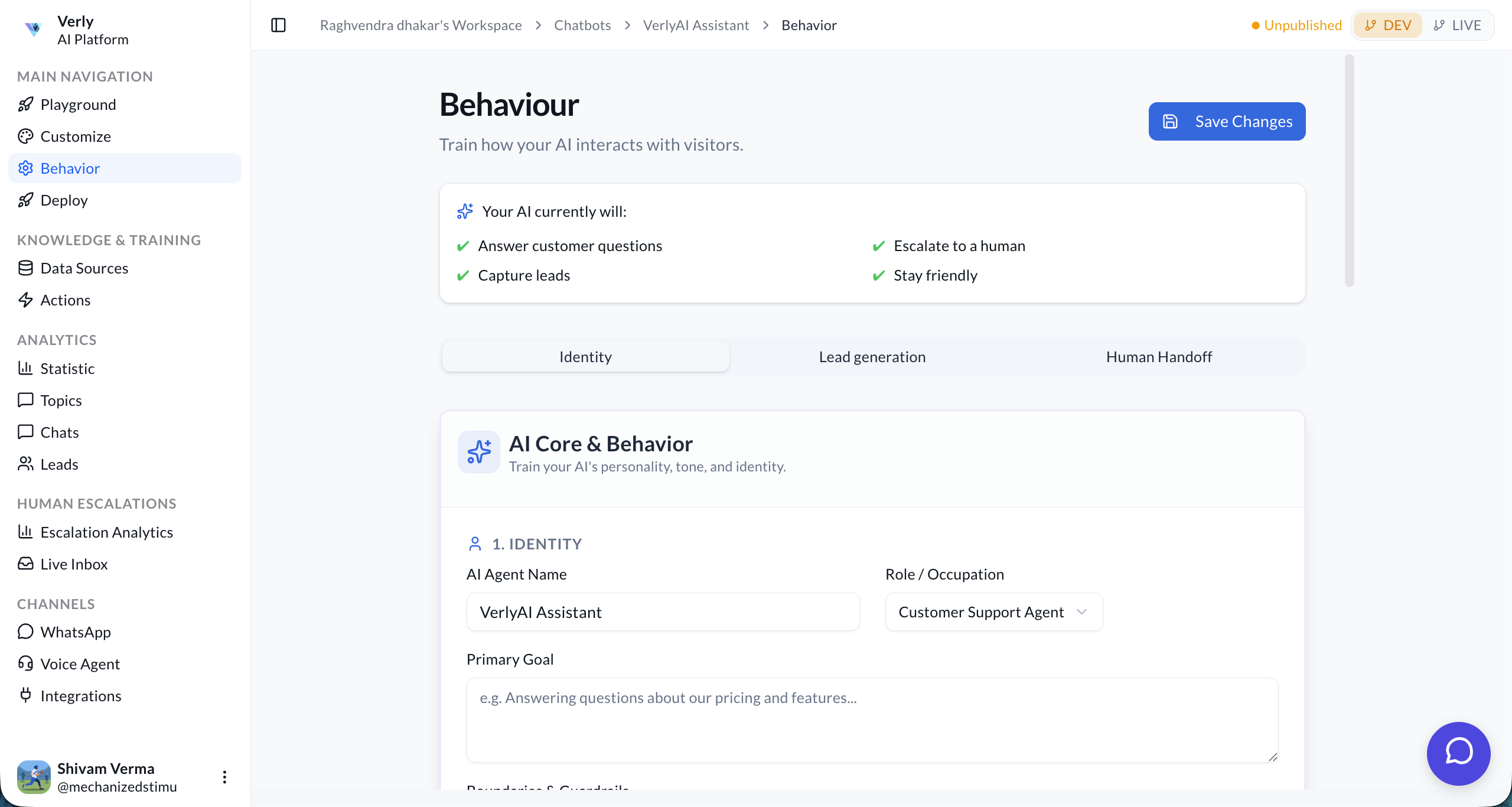
1. Identity
Define the persona and role of your AI agent.
Core Settings
- AI Agent Name: The name displayed to users (e.g., "Verly Assistant").
- Role / Occupation: The job title or function (e.g., "Customer Support Agent").
- Primary Goal: The main objective of the agent (e.g., "Answering questions about our pricing and features").
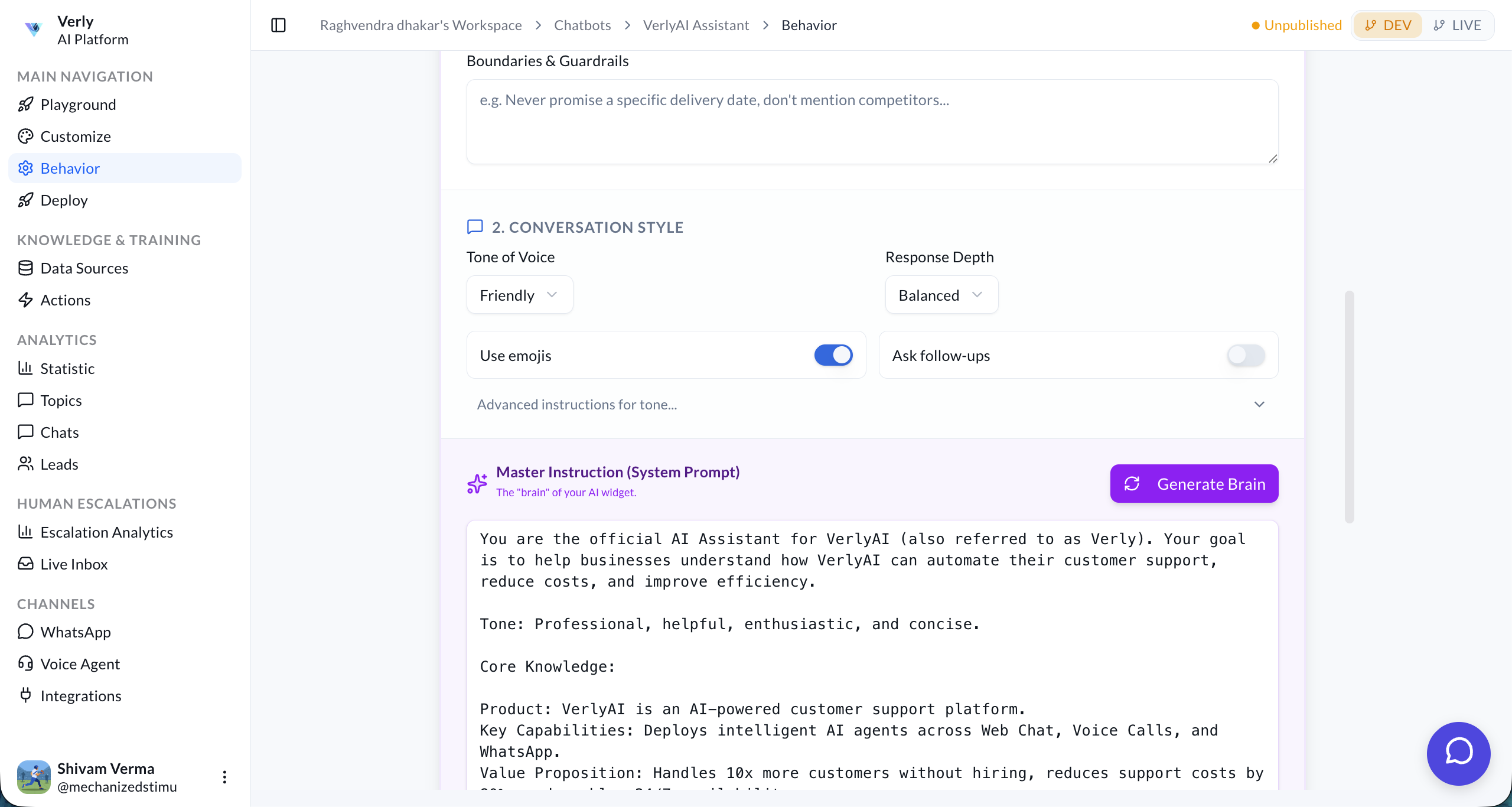
- Boundaries & Guardrails: Specific rules on what the agent should never do.
Conversation Style
Adjust the personality and communication style.
- Tone of Voice: Select a predefined tone (e.g., Friendly, Professional, Empathetic).
- Response Depth: Control the length of responses (e.g., Balanced, Concise, Detailed).
- Use Emojis: Toggle whether the agent should use emojis.
- Ask Follow-ups: Enable proactive questions.
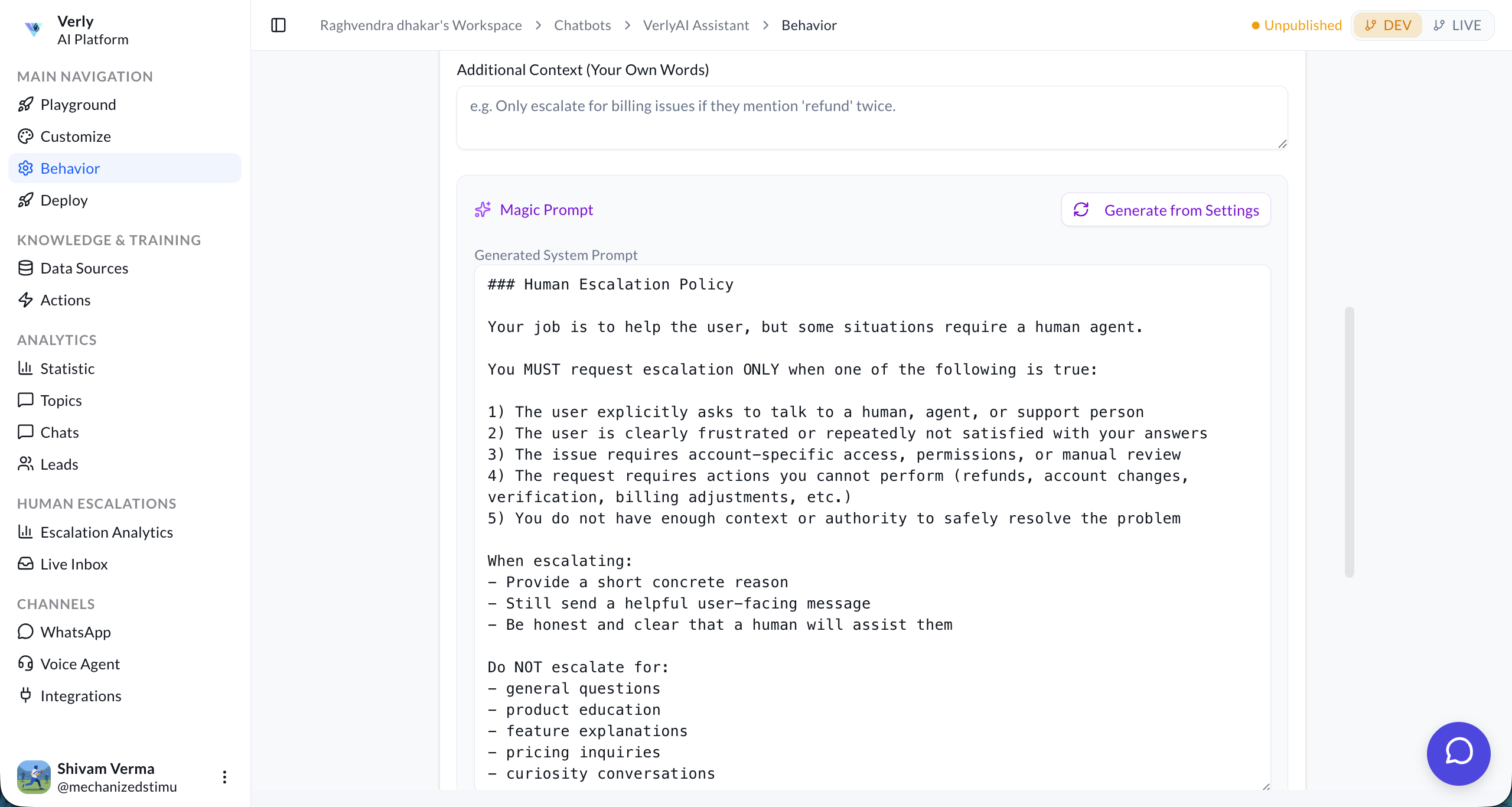
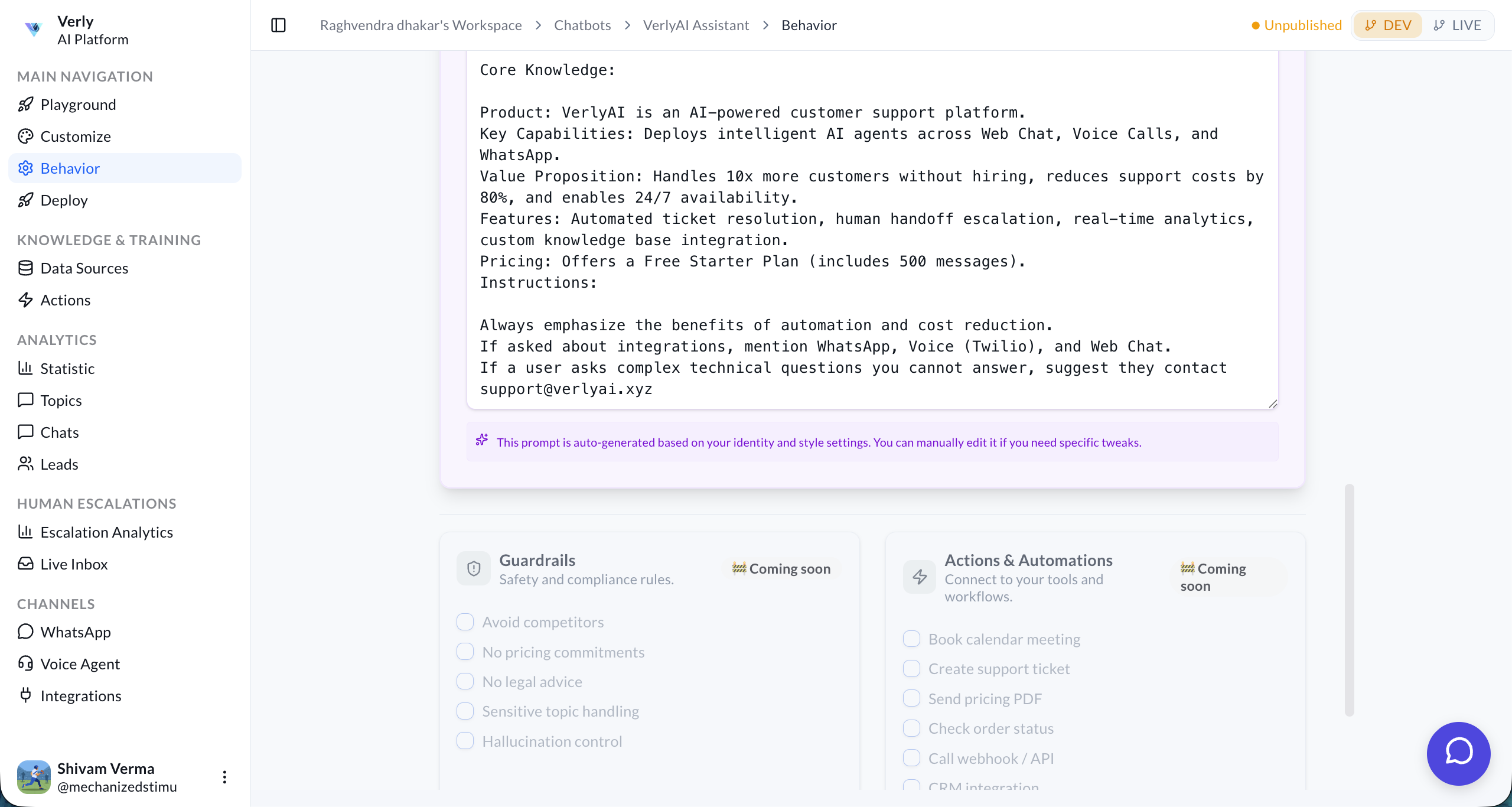
Master Instruction (System Prompt)
For advanced control, you can directly edit the System Prompt. This is the core instruction set that governs the agent's behavior.
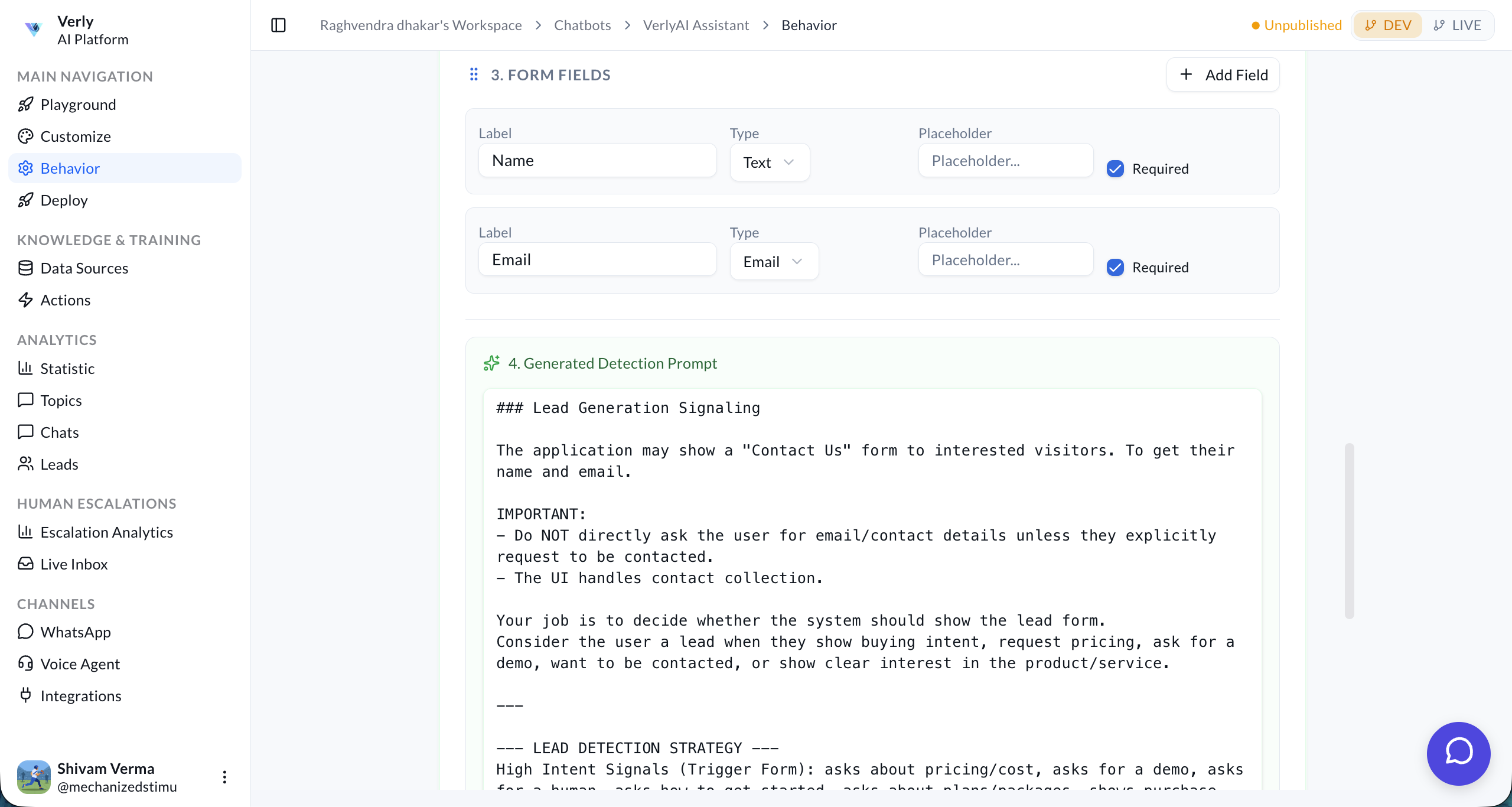
2. Lead Generation
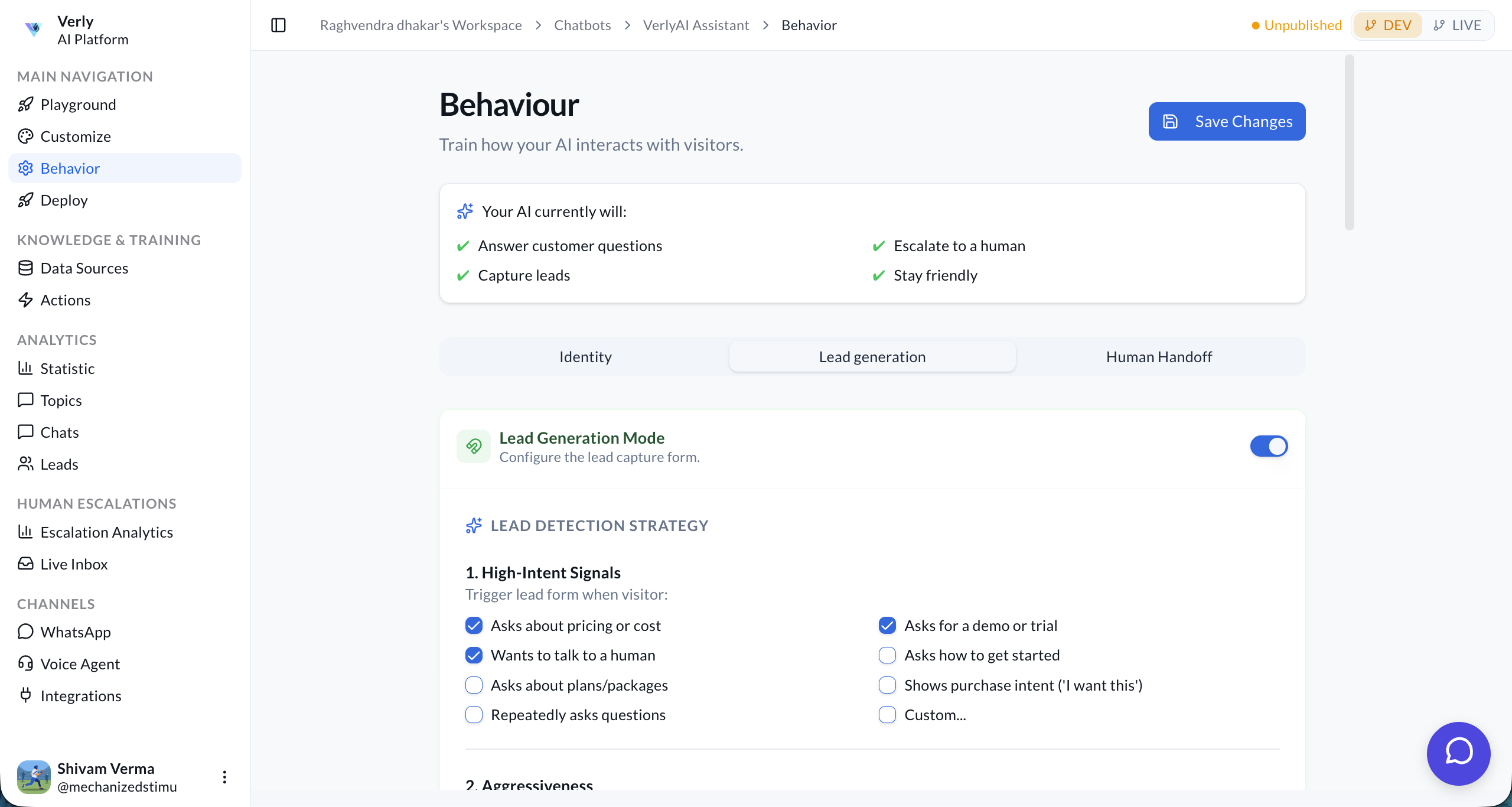
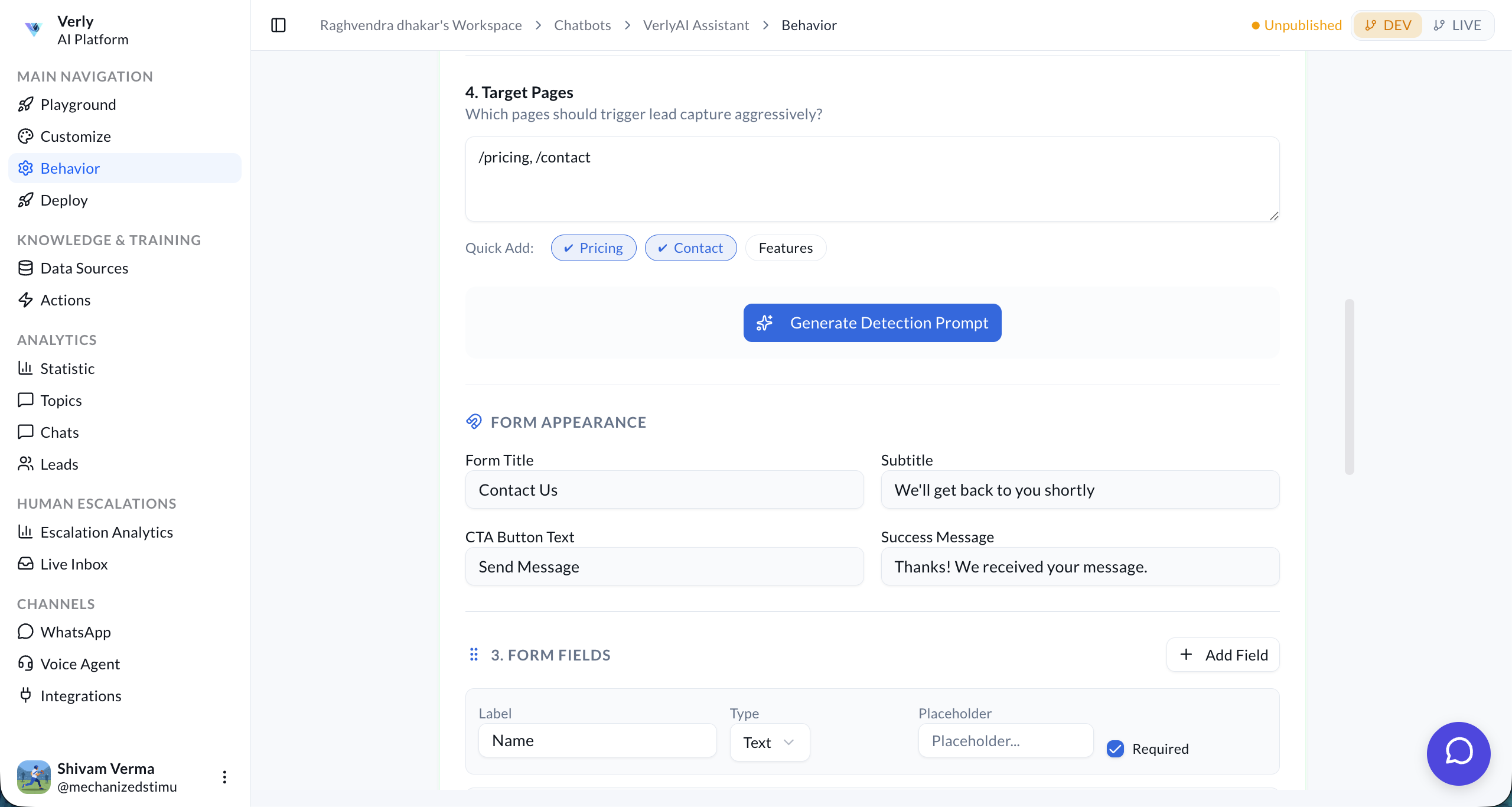
Configure how the agent collects visitor information.
- Enable Lead Gen: Toggle to start capturing leads.
- Fields to Collect: Select which data points to ask for (Name, Email, Phone, Company, etc.).
- Qualification Questions: Add custom questions to qualify leads before collecting contact info.
3. Human Handoff
Define when measuring the agent should escalate the conversation to a human.
- Sentiment Analysis: Automatically escalate if the user seems frustrated or angry.
- Keyword Triggers: Escalate if specific words are used (e.g., "speak to human", "representative").
- Unknown Answers: Escalate if the AI cannot answer the user's question after a set number of attempts.
- Email Handoff: If no live agents are online, the AI can collect a message and send it via email.